
Imagine many attendance sheets piling up, timesheets filled manually, errors creeping in, employees forgetting to punch in, and HR scrambling to reconcile hours before payroll.
That’s a nightmare many businesses have faced.
A good employee attendance app turns that chaos into clarity with accurate records, real-time data, and smooth HR workflows.
Tools like Staffmath, a free attendance management software for employees, make this transition simple and cost-effective.
If you want to streamline attendance for your own team, you can book a free demo of staffmath and see it in action.
In this post, you will learn what an employee attendance app is, why more companies are switching to it, its key features and benefits, how to choose the right one, and best practices to implement it effectively.
What is an Employee Attendance App?
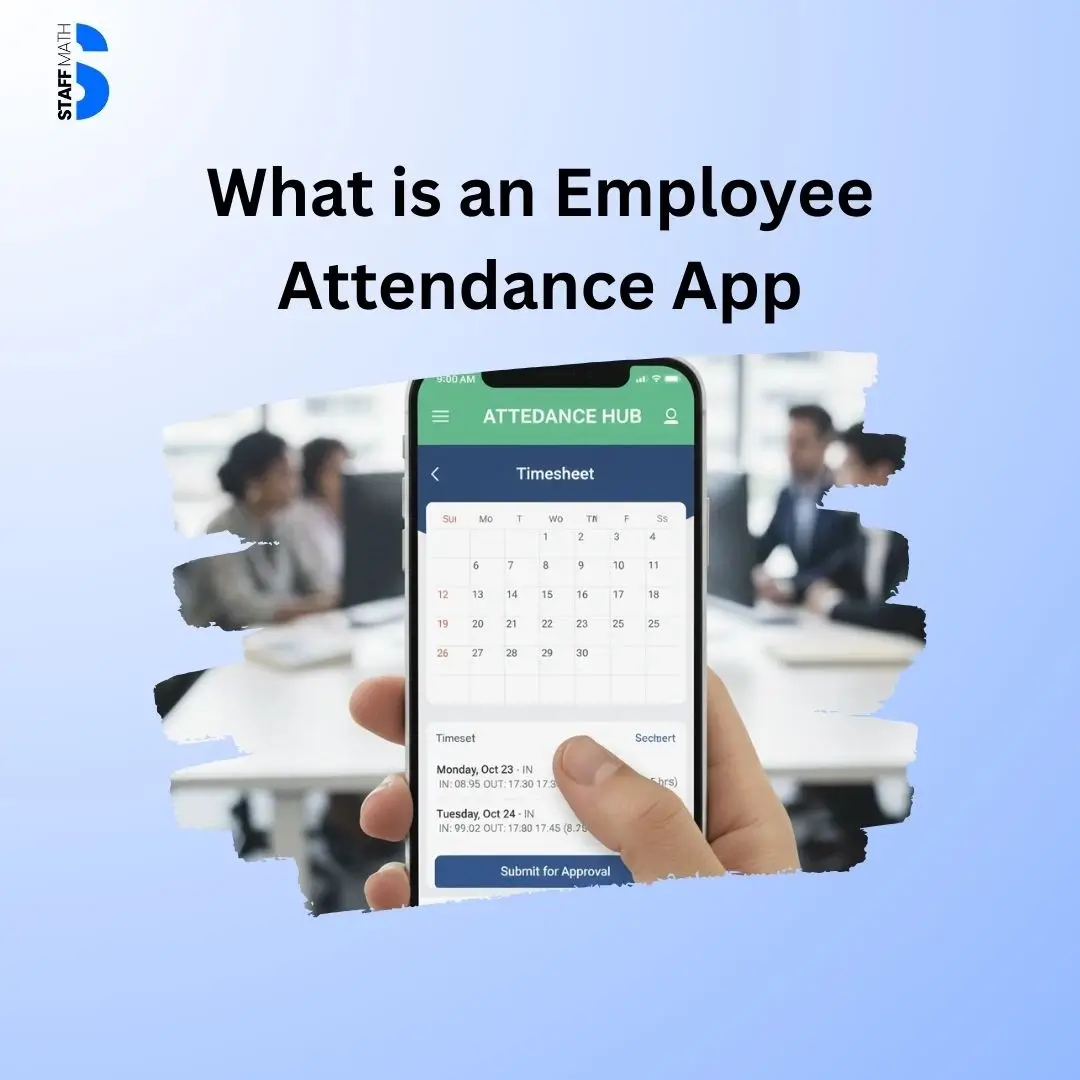
An employee attendance app is a software, often mobile-based, that allows employees to check in and out via smartphone (or other devices) instead of using paper registers, biometric machines, or manual logs.
How it works
- Employees use their mobile device to punch in/out (or mark start/end of work)
- The app captures time-stamp data, and if configured, location (via GPS / geofencing) or biometrics for verification.
- The data is stored in the cloud or a central database, and is accessible by HR or managers via dashboards
- Reports, timesheets, leave, and overtime (if applicable) can be generated automatically
This digital approach simplifies attendance tracking, especially for
- remote workers
- field staff / on-site + off-site hybrid teams
- multi-location offices or a distributed workforce

Why Businesses Are Switching from Traditional Attendance Methods
Traditional manual methods — paper registers, punch cards, logbooks — come with many problems:
- Human error & inaccuracies: people may forget to sign in/out, or times may be recorded incorrectly.
- Delays and inefficiency: compiling monthly attendance, calculating hours, leaves, overtime — all manual and time-consuming.
- Difficulty for remote or field staff: Traditional systems assume employees are present in a fixed location, which is not practical for remote, traveling, or field-based staff.
- Risk of fraud or misuse (“buddy-punching”): someone marking attendance on behalf of another, or falsified punch-ins, leading to inaccurate payroll or attendance records.
- Paperwork burden and compliance risk: storing physical logs, reconciling, correcting — cumbersome and error-prone.
Given these drawbacks, many organizations find that manual attendance tracking no longer matches the pace and complexity of modern work environments.
Key Benefits of Using an Employee Attendance App
Automation reduces time spent on employee attendance admin — compiling reports, calculating hours, correcting mistakes.
This frees up HR to focus on more strategic tasks and lowers administrative overhead compared to hardware-based biometric systems or paper-based workflows.
Transparency, accountability, and fairness
Employees know that their working hours are logged accurately.
Managers see real-time dashboards that display who’s working, who’s late, absences, leave requests, and more.
This transparency builds trust and reduces disputes over attendance.
Supports remote, hybrid, and field workforce
In today’s world of remote work, hybrid setups, and on-field teams, flexibility is essential.
Employee Attendance apps enable employees to mark their attendance from approved locations, providing managers with full visibility.
For companies that manage field technicians or distributed teams, integrating attendance with operational workflows creates even more efficiency.
A solution like Telecom Field Service Management helps combine attendance tracking, job assignments, routing, and on-site verification in one place — ideal for telecom, utilities, and field-heavy industries.
Better workforce insights and decision-making
With detailed reporting, analytics, and export capabilities (e.g., monthly attendance summaries, absenteeism trends, employee-specific data), management can make data-driven decisions — optimize staffing, monitor productivity, plan shifts.
Core & Advanced Features to Look for in an Attendance App
If you plan to adopt an attendance app, look for these important features:
- Clock-in / Clock-out via Mobile: the basic feature to mark attendance easily on a smartphone.
- GPS / Geofencing / Location Verification: ensures attendance is recorded only when the employee is in the approved area.
- Biometric or Identity Verification (Face, Fingerprint, PIN): to prevent buddy-punching and fake check-ins.
- Offline Punch-in Support: for remote areas or low connectivity zones — record locally and sync when online.
- Automatic Timesheet & Payroll Integration: auto-calculate working hours, overtime, leave balances, generate exportable reports (Excel/PDF) for payroll or audit.
- Leave & Shift Management: handle leave requests, shift scheduling, multiple shifts — useful for larger teams or 24/7 operations.
- Real-Time Dashboard & Reporting: live view of attendance status, absence/late statistics, staff location (for field teams), and attendance history.
- Employee Self-Service Portal: employees can check their attendance, leave balance, and timesheets — improves transparency and reduces HR queries.
- Security and Data Privacy: secure data storage, role-based access, encryption (especially important when storing biometric or location data). Many digital attendance systems emphasize this over paper logs.
These features make the difference between a “nice-to-have” app and a robust, enterprise-ready attendance solution.
Want all these features in one place? Try Staffmath here: Book Your Free Demo
It is built for field teams, remote staff, on-site workers, and growing businesses that want accurate attendance without manual errors.
How to Choose the Right Employee Attendance App for Your Business
Not all attendance apps are equal. When evaluating options, consider:
- Workforce type: If you have remote teams, field staff, or hybrid employees — choose an app with GPS/geofencing, offline mode, mobile-first design.
- Need for biometric or identity verification: to avoid buddy-punching or false entries, biometric/facial recognition adds security.
- Payroll & HR integration: ensures attendance data flows seamlessly into payroll, leave management, and HRMS modules — reduces manual overhead.
- Scalability & multi-location support: good for growing businesses or those with multiple offices/branches.
- Ease of use — user-friendly mobile interface: simple, intuitive UI encourages adoption. A mobile-first design improves user experience and reduces resistance.
- Reporting and analytics capabilities: to generate attendance reports, identify patterns, track absenteeism, and support workforce planning.
- Data security & compliance: secure storage, data encryption, privacy compliance — especially when handling location or biometric data.
- Support and reliability: the app should offer stable performance, updates, customer support, and reliability during offline/unstable-connectivity scenarios.
Common Challenges & Concerns — and How to Address Them
Even the best systems can face resistance or issues. Here are common challenges — and solutions.
Internet connectivity and remote locations
In areas with poor or intermittent connectivity, attendance apps may struggle. Good solutions: choose systems that offer offline punch-in — storing data locally and syncing when connectivity returns.
Data privacy and employee consent
Because these systems can capture GPS location or biometric data, privacy concerns aren’t trivial. Organizations should maintain transparent privacy policies, get employee consent, and ensure that data is stored securely with restricted access.
Adoption resistance
Some employees may resist change — used to punch-in machines or paper logs. Mitigate by training, demonstrating benefits (accuracy, transparency, ease), and choosing a user-friendly app.
Cost vs ROI
While subscription-based apps are cheaper than biometric hardware + maintenance + storage, businesses should still evaluate ROI: time saved, fewer errors, fair payroll, productivity gains, reduced admin overhead — often worth the investment.
Best Practices to Implement an Attendance App Successfully
- Roll out with clear communication: explain to employees why this change is happening, how it benefits them (fair pay, transparency), and how privacy is handled.
- Start with a pilot phase (small team or single department) — test functionality (GPS, offline punch, reporting), get feedback.
- Define attendance and shift/geo-fence policies before implementing — avoid confusion about when/where employees can check in.
- Provide training and support for employees unfamiliar with smartphones or technology.
- Use reports and analytics — identify attendance trends, absenteeism patterns, and optimize staffing, shifts, or workforce deployment.
- Regularly audit data and access controls — especially if location or biometric data is involved maintain data privacy and compliance.
FAQ
What is an Employee Attendance App?
An employee attendance app is a mobile or web tool that allows staff to clock in and out using their phone. It tracks working hours, leaves, shifts, and attendance logs in real time, removing the need for manual registers.
How does an Employee Attendance App work?
It allows employees to mark attendance using a mobile clock-in and clock-out. The app verifies their location via GPS or geofencing, stores the data securely, and shows attendance on an admin dashboard.
Why should companies use an Employee Attendance App?
Companies use it to reduce manual errors, stop buddy punching, automate timesheets, simplify payroll, and get real-time visibility of staff attendance and location.
What features should a good Employee Attendance App have?
Look for GPS or geofencing, biometric authentication, offline punch-in, shift scheduling, leave management, timesheet automation, payroll exports, and a real-time reporting dashboard.
Can an Employee Attendance App prevent fake attendance?
Yes. With GPS tracking, geofencing, face recognition, or PIN verification, it prevents fake check-ins and ensures attendance is marked only from approved locations.
Conclusion: Why an Attendance App Is More Than Just a Tool — It’s a Strategic Investment
In an age of remote work, hybrid teams, field operations, and dynamic shift scheduling, relying on traditional attendance methods is risky.
An employee attendance app offers accuracy, transparency, and efficiency, transforming how organizations track time and manage their workforce.
If you are managing remote staff, field workers, or even a conventional office, such an app can reduce payroll errors, streamline HR, improve accountability, and save hours of manual effort.
For businesses that want to scale, stay agile, and manage workforce operations without chaos, investing in an employee attendance app is not optional.
It is essential.
If you want a simple, reliable, and fully automated attendance solution, try Staffmath.
You will get mobile punch-in, GPS verification, automated timesheets, shift and leave management, and live dashboards in one tool.
Book a free demo today and see how Staffmath can modernize your attendance system instantly.


